Why your iPhone may not get iOS 27, Apple’s next major update coming this week

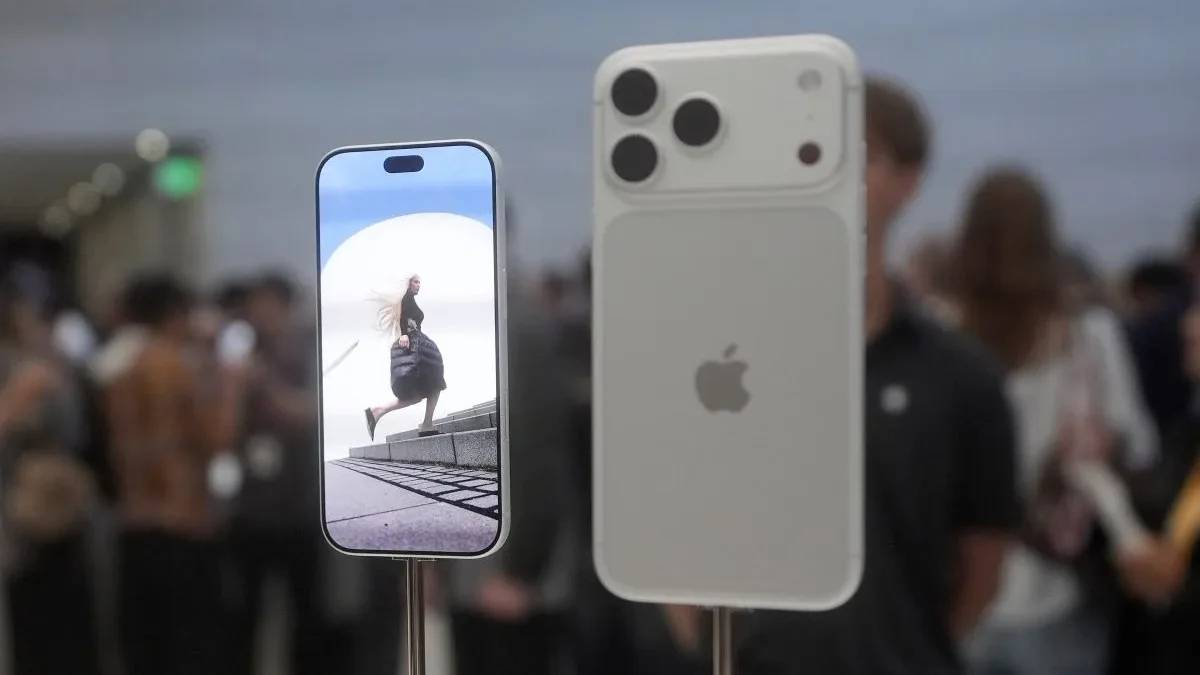
Table of Contents
Prepare Your iPhone for the iOS 27 Release
Provpnadvice.com – Apple will roll out iOS 27 on Monday, Sept. 14, bringing a broad set of changes to compatible iPhones and iPads. The software release is expected to refresh Siri, expand artificial-intelligence tools, alter elements of the iPhone interface and introduce security improvements.
Before the update arrives, it is worth checking whether your device qualifies and whether it has enough available storage, battery power and a reliable connection. A major operating-system update can be delayed or blocked by basic device conditions even when an iPhone is otherwise supported.
Check whether your device is eligible
For many people, the quickest compatibility test is the version of iOS currently installed. Open Settings, select General, then choose Software Update. An iPhone or iPad running iOS 26, or one that shows it is fully updated on that software generation, should be able to install iOS 27.
Device details can also be found by opening Settings, going to General and selecting About. That page lists the model name and other identifying information. Apple provides separate instructions for identifying an iPad through its model number when the name alone is not enough.
Most iPhones and iPads bought in recent years are likely to be supported, but some older iPads are reaching the end of their eligibility. The 12.9-inch iPad Pro from the third generation, the first-generation 11-inch iPad Pro, the third-generation iPad Air, the eighth-generation iPad and the fifth-generation iPad mini will not move from iOS 26 to iOS 27. A number of older Apple Watch models will also miss the next software release.
Compatibility with iOS 27 does not automatically mean access to every new capability. Apple Intelligence tools remain limited to the iPhone 16 and iPhone 17 lineups, plus the iPhone 15 Pro and iPhone 15 Pro Max. Owners of other eligible phones may still receive the operating-system update and its general improvements, but not those specific AI features.
Make room before installation day
Storage is often the practical obstacle to installing a major update. Apple’s free software downloads commonly need several gigabytes of unused capacity, including room for the installation process itself. A phone that is nearly full may not be able to begin the download or complete the upgrade without clearing space first.
To review available storage, go to Settings, then General, followed by iPhone Storage. The same area can reveal which apps, photos, messages and files consume the most space. Apple may display cleanup recommendations, such as removing apps that are no longer used or reviewing large attachments.
Deleting unnecessary downloads, old files, large message threads or unused apps can make the process smoother. Photos and videos are also common sources of storage pressure, so reviewing items that have already been saved elsewhere can be useful. Storage use may rise temporarily during and shortly after the installation, then settle once the update has finished its background setup.
Use a stable connection and sufficient battery power
Apple released iOS 26.6.6 on Wednesday to address a problem that had stopped system updates from downloading through cellular service. Even so, large releases such as iOS 27 may still be restricted to Wi-Fi downloads. A dependable Wi-Fi connection is therefore the safest choice for obtaining the update.
People who cannot use Wi-Fi have another option: Apple provides instructions for updating an iPhone or iPad through a Mac or Windows computer. That route can be particularly helpful when wireless storage or connectivity is limited.
Battery level matters as well. If charge is too low, iOS may prevent an installation from starting. Keeping the iPhone plugged into power during a substantial update reduces the chance that the process will be interrupted. It also avoids placing extra strain on the battery while the device downloads, installs and restarts.
Expect a short adjustment period after updating
A newer iOS version can make a device seem warmer or less efficient for a short time. That does not necessarily point to a defect. Apple has cautioned that substantial upgrades can temporarily affect both battery life and thermal performance while the device completes post-installation work.
“Immediately after completing an update, particularly a major release, you might notice a temporary impact on battery life and thermal performance. This is normal, as your device needs time to complete the setup process in the background, including indexing data and files for search, downloading new assets, and updating apps.”
Those activities can continue for several days. During that period, battery drain may be more noticeable, especially for people spending extra time trying new iOS 27 features, using the screen heavily or downloading updated apps. Once indexing, file organization and other background tasks are completed, battery behavior can stabilize.
Charging habits still influence long-term battery health. Although filling a phone to 100 percent may be tempting when power seems to fall faster after an update, many experts and phone makers generally recommend stopping around 80 percent to help preserve battery longevity.
Taking a few minutes to verify compatibility, clear storage, connect to Wi-Fi and plug in the device can help avoid last-minute frustration when iOS 27 becomes available. Users whose devices are not eligible will continue on their existing software version, while compatible models can choose when to install the new release after it appears.
Related Reading
Frequently Asked Questions
What is Why your iPhone may not get iOS?
Why your iPhone may not get iOS is the main topic of this guide. The article explains the context, practical details, and next steps readers should understand.
Why does Why your iPhone may not get iOS matter?
Why your iPhone may not get iOS matters because readers are looking for a useful answer, not just a short summary. Good content should match search intent and help them decide what to do next.