
Remote Access vs VPN: Which Is Safer for Work From Anywhere?
Working from anywhere is only truly safe when your connection to company systems is secure. In the debate of remote access vs vpn, both approaches can protect your data, but they solve different problems and carry different risks. A VPN mainly protects your network traffic by creating an encrypted tunnel, while remote access tools let you control or reach a specific device or system from afar. The safer choice depends on what you are accessing, how your company manages security, and what threats you realistically face.
Understanding Remote Access and VPN (In Simple Terms)
A VPN (Virtual Private Network) encrypts your internet connection and routes it through a secure server. In a work context, it often connects you to an internal company network as if you were physically in the office. This is useful for accessing internal resources like file servers, intranet tools, and private applications.
Remote access usually means logging into a computer or environment that is somewhere else, such as an office PC, a virtual desktop, or a cloud server. Examples include Remote Desktop (RDP), VDI solutions, and remote support tools. In this setup, you are not “joining the network” in the same way as a VPN, but rather accessing a controlled endpoint.
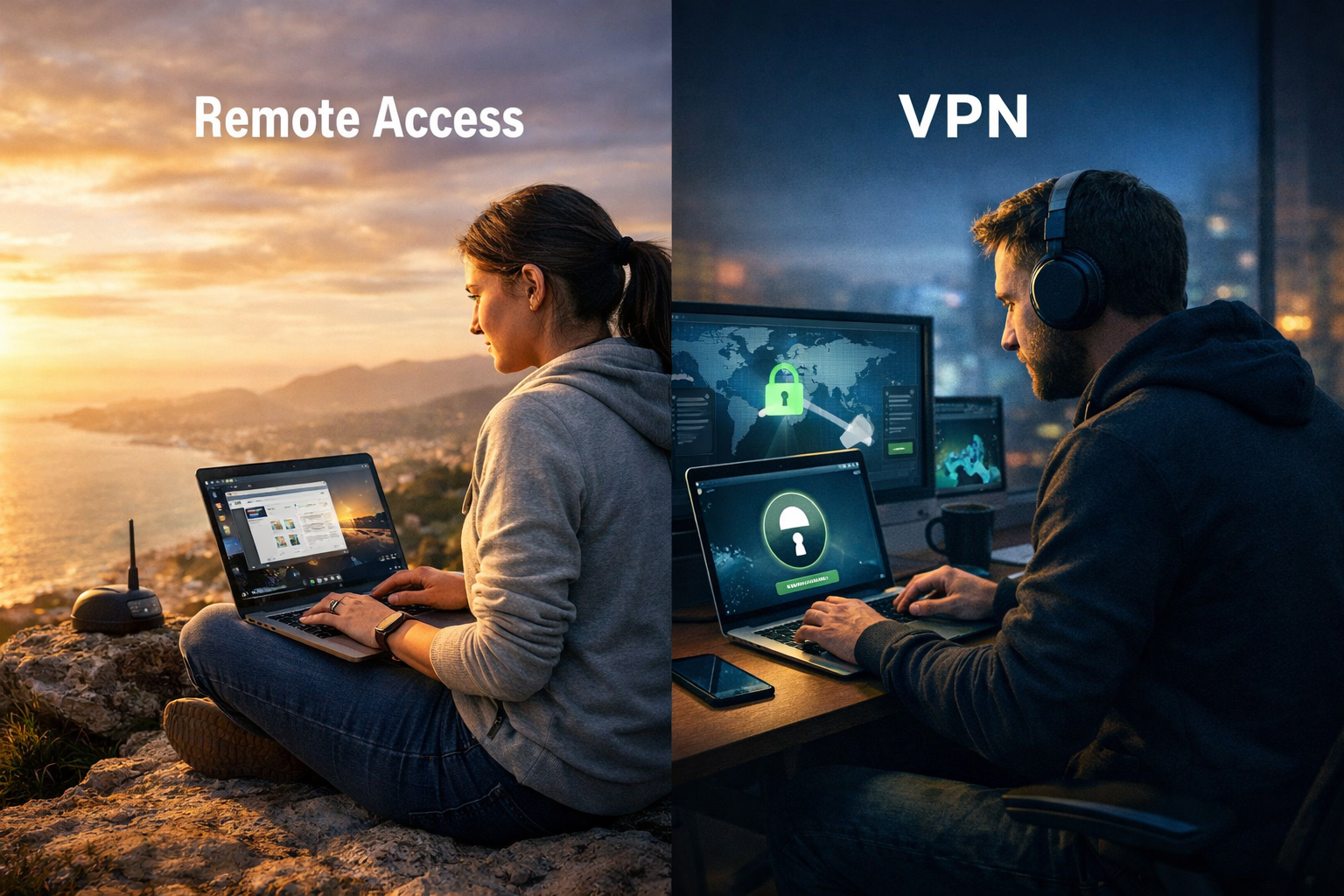
The biggest difference in remote access vs vpn is what gets exposed. VPNs can expose more of the internal network if configured broadly, while remote access tends to expose a specific entry point. That is why each option can be safe or dangerous depending on how it is deployed.
Security Strengths of VPN for Work From Anywhere
The main security benefit of a VPN is encryption in transit. When you connect from a café Wi-Fi or hotel network, a VPN prevents local attackers from reading your traffic. This reduces risks like packet sniffing, session hijacking, and some forms of man-in-the-middle attacks.
VPNs also allow centralized access control. Companies can enforce rules like restricting which apps are reachable, logging connections, and forcing authentication policies. Many organizations combine VPN with multi-factor authentication (MFA) and device compliance checks for stronger security.
However, VPN security depends heavily on configuration. If the VPN grants wide access to the internal network, a compromised laptop can become a bridge for attackers. This is one reason why modern security teams are moving away from “flat network access” and toward more segmented access models.
In remote access vs vpn, VPN is often safer for general-purpose access when paired with strict segmentation. If your VPN setup is outdated, lacks MFA, or allows unrestricted lateral movement, it can become a high-value target.
Security Strengths of Remote Access Tools
Remote access can be extremely secure when implemented correctly, especially with a centralized virtual desktop or a controlled jump server. The biggest advantage is that company data can remain inside the corporate environment. Instead of downloading files to your laptop, you interact with them remotely while they stay on the office machine or cloud desktop.
This approach reduces data leakage. If your personal laptop is stolen, there may be little or no company data stored locally. Many remote access systems also allow security teams to disable clipboard copying, block file transfers, and prevent local downloads.
Remote access can also reduce exposure compared to a broad VPN. Instead of granting access to many internal services, you may only be allowed into a single remote desktop session. In the remote access vs vpn discussion, this is a major security win when the remote endpoint is hardened and monitored.
The tradeoff is that remote access is highly dependent on endpoint security. If the remote desktop server is weak, unpatched, or exposed directly to the internet without protection, it becomes a common attack path.
Common Risks: Where VPN and Remote Access Fail
Neither option is automatically safe. The most common failures come from weak identity security, poor configuration, and outdated infrastructure. In real incidents, attackers usually do not “break encryption,” they steal credentials, exploit unpatched services, or abuse misconfigurations.
For VPNs, the biggest risk is credential theft combined with lack of MFA. If an attacker gets a username and password, a VPN login can grant broad network access. Another risk is poor network segmentation, which lets attackers move laterally once connected.
For remote access, the biggest risk is exposing services like RDP directly to the public internet. Attackers scan continuously for open ports and weak remote login setups. If remote access is not protected by MFA, IP restrictions, and strong monitoring, it becomes an easy entry point.
In remote access vs vpn, the deciding factor is not the tool, but the security posture around it. A secure VPN with MFA and segmentation can be safer than remote access exposed poorly. Likewise, a hardened virtual desktop can be safer than a VPN that opens the entire network.
Which Is Safer in Real Work Scenarios?
The safest choice depends on what “work from anywhere” means for your organization. Some teams need access to internal systems, while others only need access to one or two cloud apps. Security should match the actual access pattern.
If your employees need access to many internal services, a VPN can be practical, but only if access is segmented and tightly controlled. VPN is especially useful when the organization already has strong identity security and endpoint management.
If your employees mainly need access to a single workstation, design software, internal accounting tools, or sensitive files, remote access can be safer. Keeping data inside a remote environment reduces the risk of leakage through downloads, screenshots, or local malware.
In many modern organizations, the best answer to remote access vs vpn is a hybrid model. For example, VPN may be used for limited internal services, while remote access is used for sensitive work environments. The key is minimizing the attack surface and limiting what any single login can reach.
Best Practices That Actually Decide Safety
Security outcomes depend more on implementation than on whether you pick VPN or remote access. The following controls are what separate a safe deployment from a risky one, regardless of tool choice.
First, enforce multi-factor authentication (MFA) for every remote entry point. VPN and remote access without MFA should be treated as high risk. Second, apply least-privilege access so users can only reach what they need.
Third, ensure strong device security. If employees connect from unmanaged devices, both VPN and remote access become weaker. A compromised endpoint can still steal credentials, capture keystrokes, or hijack sessions.
Fourth, log and monitor remote sessions. VPN logs and remote desktop session logs help detect unusual access patterns. If you cannot see who accessed what, you cannot respond quickly when something goes wrong.
In the remote access vs vpn comparison, these practices matter more than marketing claims. The safest tool is the one your organization can maintain, monitor, and enforce consistently.
Conclusion
In remote access vs vpn, remote access is often safer for protecting sensitive data because it keeps files and work activity inside a controlled environment, while VPN is often safer for broad network connectivity when properly segmented and secured. Neither is automatically secure, and both can become dangerous when misconfigured or missing MFA. The safest “work from anywhere” setup is the one that limits exposure, enforces strong identity controls, and prevents unnecessary access to internal systems.
FAQ
Q: What is the main difference in remote access vs vpn? A: A VPN encrypts and extends your network connection, while remote access connects you to a specific device or desktop environment to work inside it.
Q: Is a VPN always secure for working on public Wi-Fi? A: It is safer than not using one, but VPN security still depends on MFA, correct configuration, and whether the endpoint device is compromised.
Q: Can remote access be safer than a VPN for sensitive work? A: Yes, because it can keep company data inside the remote environment and reduce local downloads, which lowers data leakage risk.
Q: What is the biggest risk with remote access tools? A: Exposing remote login services directly to the internet without MFA, monitoring, and hardened configuration is the most common failure.
Q: Which is better for work from anywhere: remote access or VPN? A: It depends on your access needs, but the safest setups usually combine strong MFA, least-privilege access, and monitoring regardless of the method.
