
Effective Ways to Improve Remote Connection Speed for Seamless Work
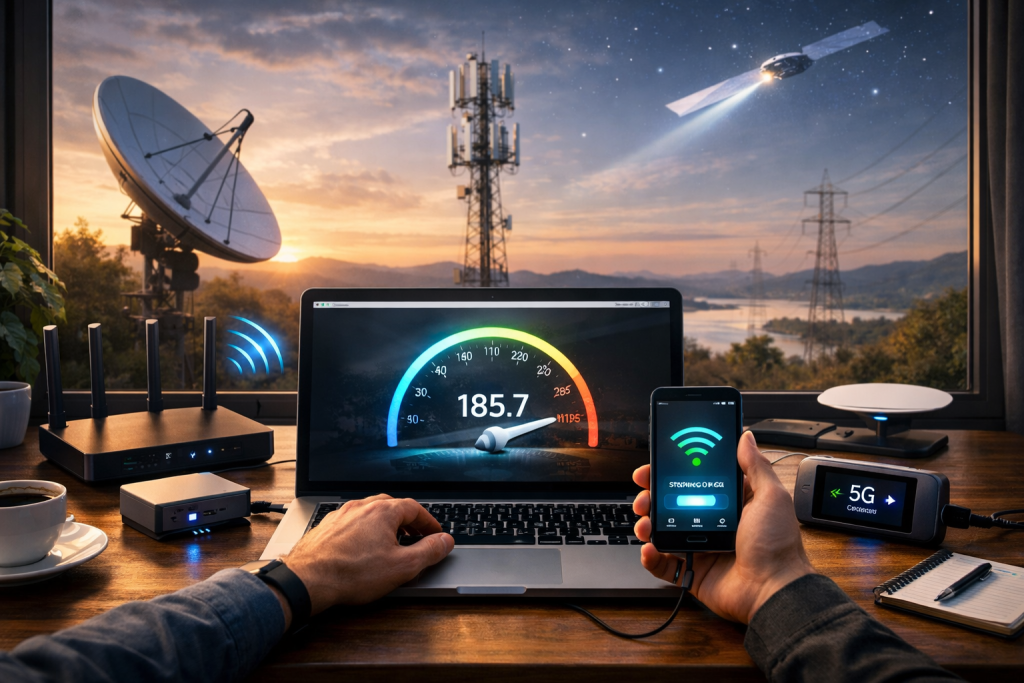
Effective Ways to Improve Remote Connection Speed for Seamless Work
In the modern work environment, remote work has become increasingly common, making a fast and reliable internet connection crucial for productivity. Slow or unstable connections can lead to frustrating delays, hampering communication and overall efficiency. If you’re looking for ways to improve remote connection speed, this article outlines practical strategies that can significantly enhance your internet experience, ensuring a smooth and seamless workflow.
Optimize Your Wi-Fi Network
A common issue faced by remote workers is weak or inconsistent Wi-Fi signals. Optimizing your Wi-Fi network can make a huge difference in improving connection speed.
1. Place the Router in a Central Location
The placement of your Wi-Fi router plays a critical role in the signal strength. Make sure the router is positioned in a central location of your home or office, away from obstructions such as walls, metal objects, or electronic appliances. This ensures that the signal is evenly distributed throughout the area.
2. Switch to a Less Congested Channel
Many Wi-Fi networks operate on crowded channels, especially in urban environments. Using a less congested channel can significantly reduce interference from neighboring networks. You can use apps or software to check which channels are least crowded and manually switch to those for better speeds.
3. Upgrade to a Dual-Band Router
Older routers often operate only on the 2.4 GHz band, which can be slower and more susceptible to interference. A dual-band router offers both 2.4 GHz and 5 GHz bands, with the 5 GHz band providing faster speeds and less interference. Upgrading your router can provide an immediate improvement in your remote connection speed.
Upgrade Your Internet Plan
Another essential factor in boosting your remote connection speed is having a sufficient internet plan. If your current plan isn’t meeting the demands of video conferencing, file sharing, and online collaboration tools, it may be time to upgrade.
1. Check Your Current Plan's Speed
Before deciding to upgrade, check your current internet speed using an online speed test. If the speeds are below what your plan promises, contact your internet service provider (ISP) to troubleshoot potential issues.
2. Consider Fiber-Optic or Higher Speed Plans
If you rely heavily on video calls, online collaboration tools, or cloud-based apps, consider switching to fiber-optic internet or a higher-speed plan. Fiber-optic connections generally offer faster speeds and more reliable connections, ensuring smoother remote work experiences.
Minimize Bandwidth Usage
Your internet connection speed can be affected by the number of devices or applications using bandwidth simultaneously. Reducing unnecessary bandwidth consumption can help improve speed.
1. Close Unnecessary Applications
Background applications and programs can consume valuable bandwidth, even if you’re not actively using them. Close any unused programs or browser tabs, especially those that stream media or run updates.
2. Prioritize Work-Related Tasks
Many routers come with a Quality of Service (QoS) feature that allows you to prioritize bandwidth for specific tasks or devices. By prioritizing work-related tasks, such as video conferencing or file sharing, you can ensure that your connection remains stable during crucial work activities.
3. Limit Streaming and Gaming Activities
If others in your household are streaming movies or playing games while you’re working, ask them to limit these activities during important meetings or tasks. Streaming and gaming consume a significant portion of your available bandwidth, leading to slower speeds for work-related tasks.
Use Wired Connections When Possible
While Wi-Fi is convenient, a wired Ethernet connection typically provides a faster, more stable internet connection. If possible, connect your computer or laptop directly to your router using an Ethernet cable.
1. Avoid Wireless Interference
Wi-Fi signals can be subject to interference from various devices like microwaves, cordless phones, or Bluetooth devices. A wired connection eliminates these interferences, ensuring a consistent and faster connection.
2. Improve Network Stability
Using an Ethernet cable directly connects you to the router, which can reduce latency and improve the stability of your connection, especially for tasks that require real-time data, such as video conferences or collaborative work.
Keep Your Devices and Software Updated
Outdated software and device firmware can negatively impact the performance of your network. Regularly updating your devices ensures they are optimized for the best possible connection speed.
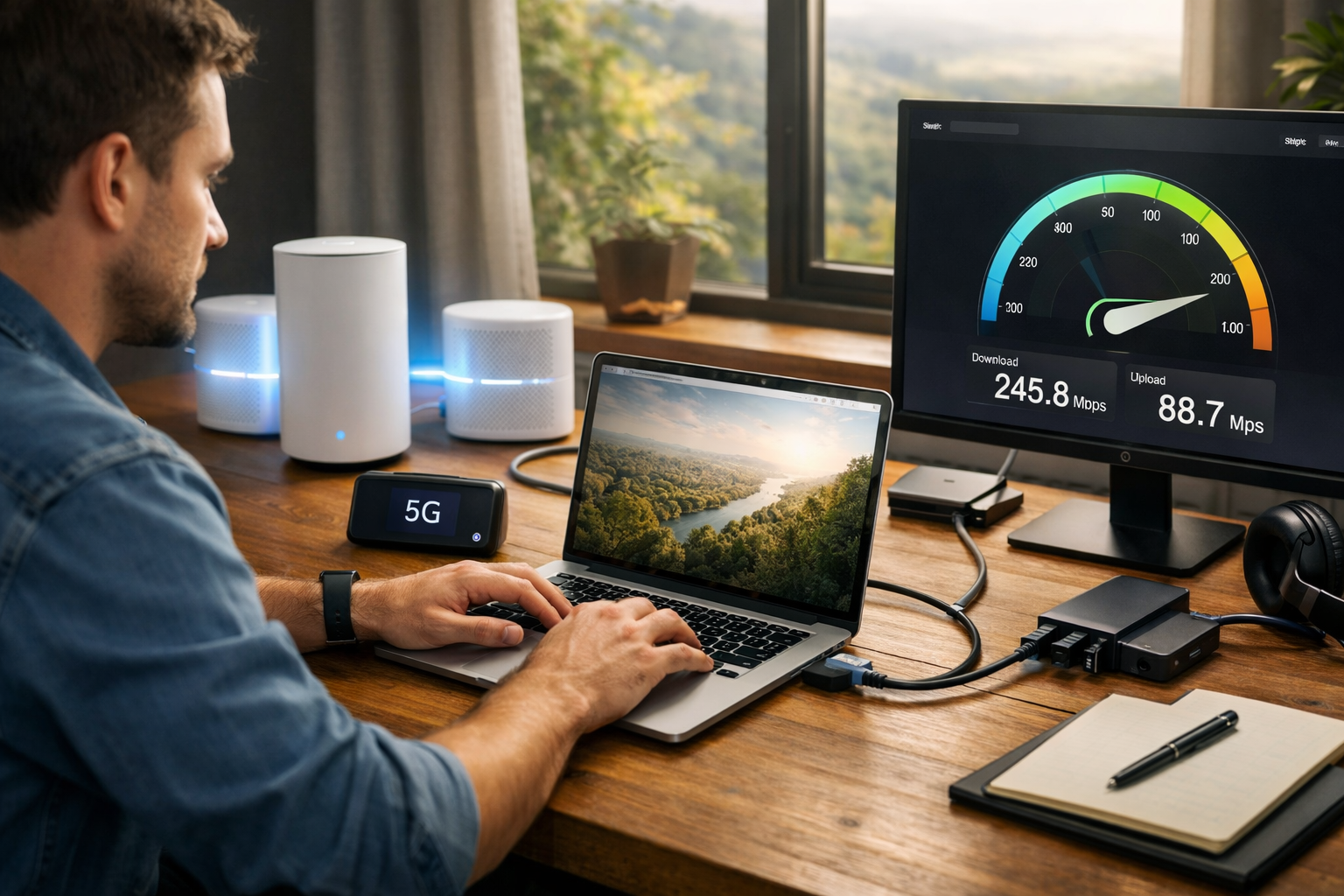
1. Update Your Router Firmware
Manufacturers often release firmware updates for routers to improve their performance and security. Check your router’s settings regularly and install any available updates.
2. Update Network Drivers on Your Devices
If you’re using a laptop or desktop, make sure your network drivers are up to date. Updated drivers improve compatibility and can resolve any connection issues that may be slowing down your internet speed.
3. Install Latest Updates for Apps and Operating Systems
Ensure that your operating system, video conferencing tools, and any other work-related software are updated to the latest versions. Software updates often include performance improvements that can help speed up your remote connection.
Conclusion
Improving your remote connection speed is vital for maintaining productivity and ensuring a seamless work experience. By optimizing your Wi-Fi network, upgrading your internet plan, minimizing bandwidth usage, using wired connections, and keeping your devices up to date, you can significantly enhance your connection speed. Implementing these ways to improve remote connection speed will help you avoid frustrating delays and maintain smooth, uninterrupted workflows.
—
FAQ
Q: What is the fastest way to improve remote connection speed?
A: The fastest way is to switch to a wired Ethernet connection, as it provides a more stable and faster connection than Wi-Fi.
Q: How can I make my Wi-Fi connection faster?
A: To improve your Wi-Fi speed, place your router in a central location, upgrade to a dual-band router, and switch to a less congested Wi-Fi channel.
Q: Does upgrading my internet plan help with remote connection speed?
A: Yes, upgrading to a higher-speed internet plan, such as fiber-optic, can significantly boost your remote connection speed, especially for activities like video conferencing.
Q: Can background apps affect my remote connection speed?
A: Yes, background applications consume bandwidth, so closing unnecessary apps can help improve your connection speed.
Q: Should I prioritize my work devices on the router?
A: Yes, using the Quality of Service (QoS) feature to prioritize work-related devices and applications can ensure your connection remains stable during important tasks.
