Screwworm spread tests US readiness after Trump staffing cuts

Screwworm Spread Tests U.S. Readiness After Trump Staffing Cuts
Provpnadvice.com – For years, the United States has been on the frontlines of combating the New World screwworm, a parasitic fly known for its devastating impact on livestock. Decades ago, the country successfully eradicated the pest, but recent months have seen its return, threatening agricultural stability. Officials are now scrambling to contain the outbreak, relying on methods that mirror those used in the 1950s. This resurgence has sparked debates about the nation’s preparedness, especially in light of staffing reductions under the Trump administration.
Parasite Reemergence and Tracking Efforts
The New World screwworm has been steadily expanding its reach northward, a trend that has drawn attention from experts monitoring its movement. While the parasite was once considered eliminated from the U.S., its reappearance has raised alarms. The Trump administration, which had spent months anticipating the first cases, has been working closely with agencies to track the spread and implement countermeasures. However, the effectiveness of these efforts is now being questioned due to workforce cuts that have left key departments under-resourced.
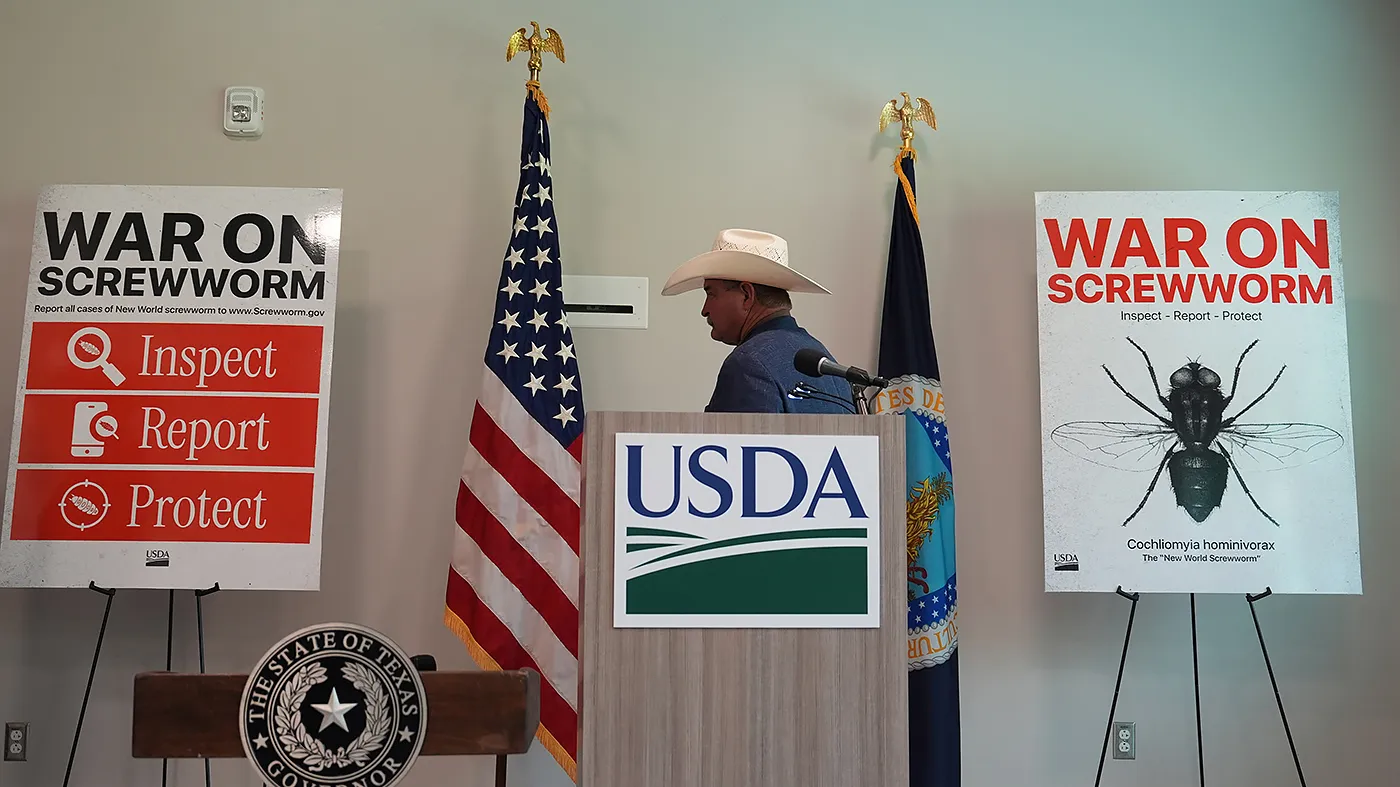
“These developments represent a serious threat to our livestock and wildlife, but they haven’t caught us off guard. We have been tracking this pest for a long time, and we have fought before, and we will do so again,” said USDA Secretary Brooke Rollins during a recent press conference.
Rollins emphasized the agency’s proactive approach, highlighting the investments made to address the infestation. The Department of Agriculture has allocated over $1 billion to combat the screwworm, with a focus on rapid response and sustainable solutions. This includes fast-tracking drug approvals and deploying new technologies to enhance surveillance and control measures. The goal is to ensure that the U.S. remains prepared for future outbreaks, even as the parasite reclaims territory.
Agencies and Partnerships in Action
Rear Adm. Michael Schmoyer, head of the USDA’s New World Screwworm Directorate, noted that the agency had ample time to set up a comprehensive defense. “Models suggested it was going to be here last summer, so we had plenty of time to prepare,” he explained to reporters this week. Schmoyer revealed that thousands of traps had been strategically placed across the U.S. and into Mexico to capture the flies, forming a critical part of the containment strategy.
Collaboration with state and local entities has also been a key component of the response. Sonja Swiger, a professor in Texas A&M University’s Department of Entomology, pointed out that the state had been actively preparing for over a year. “In Texas, we’ve had multiple agencies working in partnership to ready our state for the potential of the fly returning,” she stated. This regional effort has been crucial, as the first confirmed cases have been identified in Texas and New Mexico, signaling a broader challenge ahead.
Staffing Reductions and Operational Challenges
Despite these proactive steps, the U.S. Department of Agriculture faces a staffing crisis. Under the Trump administration, the agency has undergone significant reductions, with over 20,000 employees leaving between January 2025 and January 2026. The Office of Personnel Management reported that these cuts, which included layoffs and financial incentives for departures, have left the USDA operating with fewer personnel than in previous years.
The Animal Plant and Health Inspection Service (APHIS) has been particularly affected, losing more than 2,500 staff members—a 25 percent decline. Critics argue that this reduction has weakened the nation’s capacity to detect and respond to emerging threats. “The reemergence of the New World screwworm highlights the urgent need to fully staff USDA services, which are vital for disease outbreak detection and swift action against agricultural risks,” a coalition of 11 Democratic senators, led by Jeff Merkley (Ore.), wrote to Rollins on June 9.
“The idea that DOGE caused this could not be further from the truth,” Rollins said in separate remarks. “What we did was reallocate resources and prioritize what matters, ensuring taxpayer dollars are used effectively while leaning in aggressively on preparedness.”
Rollins defended the administration’s approach, noting that the USDA now has over 100 full-time staff dedicated to the infestation. This is a marked increase from the 10 personnel allocated during the Biden administration. While the agency claims its current team is sufficient, some experts remain skeptical, arguing that the scale of the problem demands a larger and more agile workforce.
Industry Collaboration and Technological Advances
Private sector collaboration has played a pivotal role in mitigating the impact of the screwworm. Companies like Elanco have worked closely with the FDA, USDA, and Environmental Protection Agency to accelerate the development of treatment solutions. Rajeev Modi, executive vice president of U.S. pet health at Elanco, shared that some of the company’s products were available as early as October 2025, providing a critical line of defense. Two of these products are exclusively stocked in Texas, where the first cases were detected, underscoring the importance of localized efforts.
Modi praised the coordination between agencies, stating that the partnership had allowed for streamlined processes. “We’ve had smooth relationships with the FDA, USDA, and EPA, enabling us to respond quickly to the needs of ranchers and pet owners,” he said. This collaboration has been essential in addressing the infestation, though the long-term sustainability of the response depends on maintaining adequate staffing levels and funding.
A Looming Threat and the Path Forward
As of now, nine confirmed cases of screwworm have been identified in cattle and goats in Texas, with a single dog in New Mexico also affected. Experts predict that the number of cases will rise significantly, as the parasite continues to spread. The resurgence of this species, once thought eradicated, has reignited discussions about the effectiveness of current strategies and the need for long-term investment in agricultural health programs.
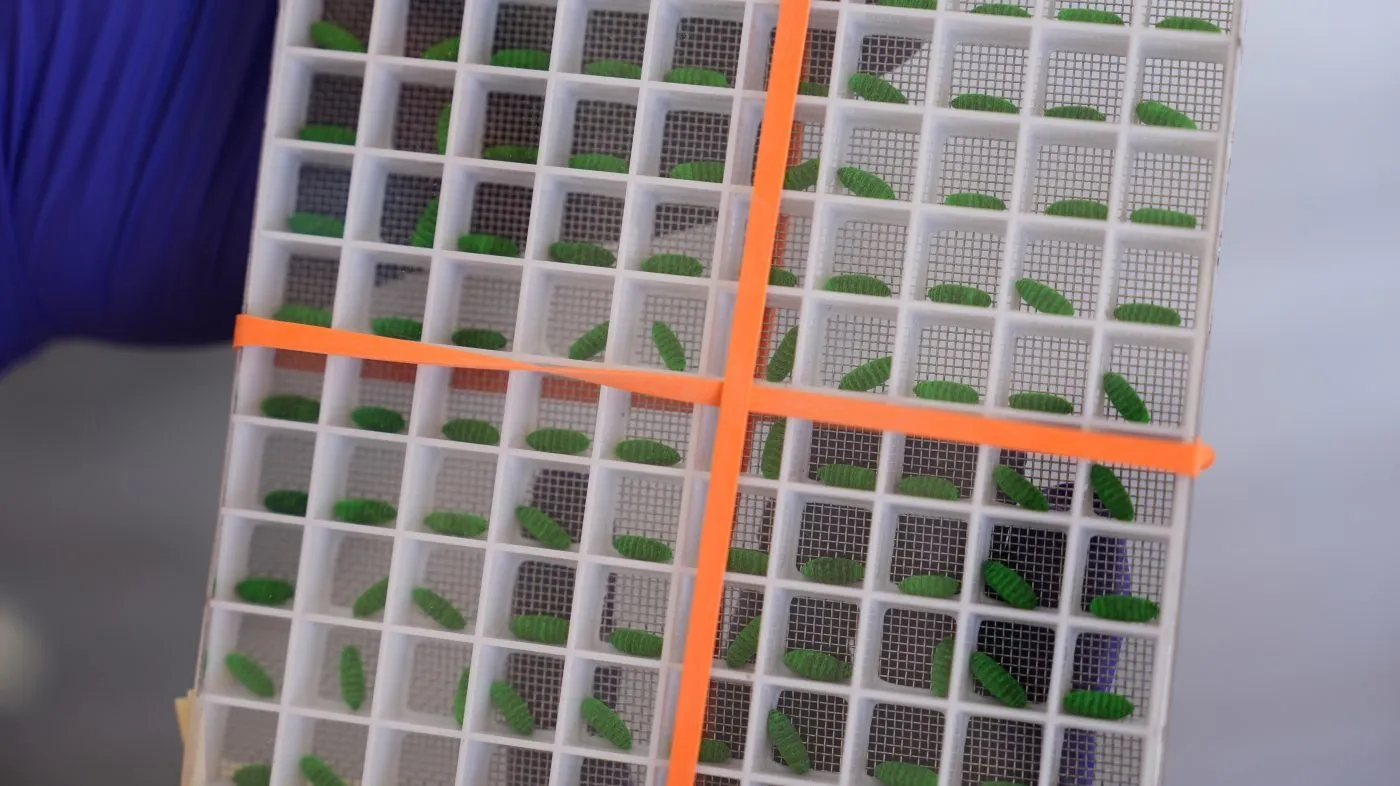
Despite the challenges posed by staffing cuts, officials remain confident in their ability to manage the outbreak. The sterile male technique, a method employed decades ago and still in use today, is considered the most viable solution. By mass-producing sterile males and releasing them into affected areas, the government aims to disrupt the parasite’s reproductive cycle and prevent further infestation. However, the success of this approach hinges on the continued operation of the USDA’s specialized infrastructure, which has been stretched thin by recent reductions.
With the screwworm’s return, the U.S. is being tested in its ability to balance long-term planning with immediate action. The strategies now in place—relying on historical methods, technological advancements, and interagency cooperation—will determine whether the nation can contain the outbreak without major economic or agricultural losses. The coming months will be critical in assessing the resilience of the U.S. response system, particularly in the face of ongoing staffing challenges and the parasite’s persistent presence.